
How to Use AI in Construction
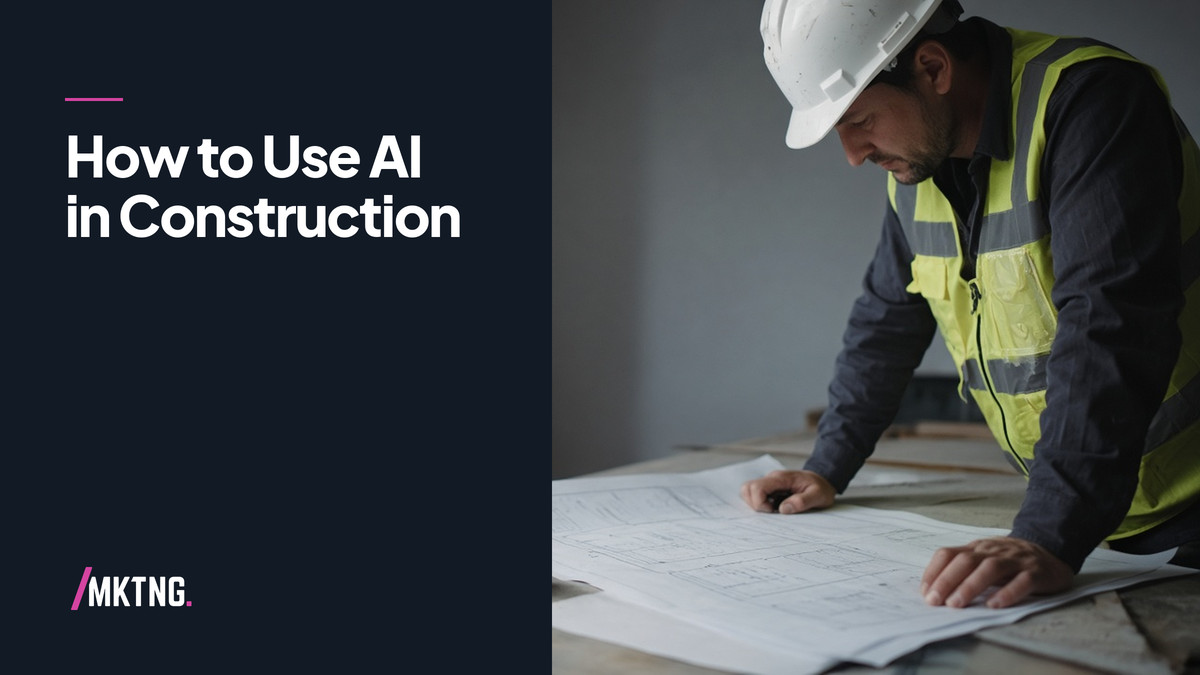
Construction companies should start AI on documentation that already eats superintendent time: daily log cleanup, RFI first drafts, submittal cover letters, and internal safety meeting summaries. Keep bid numbers, schedule commitments, and client promises under human sign-off.
Key takeaways
- Start on logs, RFIs, and internal safety summaries before client-facing automation.
- Keep drawings in document control; AI works on exports you deliberately provide.
- Store approved RFI wording in a knowledge record for repeat partner questions.
- Superintendents review anything a client or owner might see.
How can AI help in construction?
Estimating support. Summarize spec sections, flag missing scope items for estimators to verify, not auto-pricing.
Project communication. Draft owner updates from field notes.
Safety and training. Turn incident near-miss notes into toolbox talk outlines for review.
Preconstruction. Organize historical project data for search, not autonomous bid submission.
Field vs office
Field teams need mobile-friendly capture: voice memos converted to structured logs. Office teams need consistent templates so AI output matches how your firm already writes.
Data discipline
Drawings and models stay in your document control system. AI works on exports and summaries you deliberately provide, not on shadow copies in personal inboxes.
Subcontractors and RFIs
When an RFI answer repeats across jobs, store the approved wording in your knowledge record so AI drafts start from past partner-approved language, not generic construction advice.
Safety and documentation
Near-miss reports often die in text threads. Voice-to-log workflows get them into your safety log the same day, with a superintendent review step before anything is shared upstream.
AI implementation for contractors without an internal dev team phases work for contractors and design-build firms.
See how HVAC companies use AI in the field and what AI implementation costs depend on.
Questions we get
How to use AI for my construction business without risk?
Draft-only client communication, estimator review on numbers, and written policy on which documents may enter prompts.
Can AI replace project managers?
No. It shortens writing and search time. PMs still own schedule and relationships.
What about BIM data?
Use vendor-supported workflows; do not upload full models to unapproved tools if contract forbids it.
Proof of results?
Track internal hours on logs and RFIs before expanding scope.
Training?
Role-based readiness via AI readiness assessment; field and office cohorts separately.
It starts with a Working Session.
One conversation about where you want AI to take the work, and what you are working with today.
Book a Working Session